使用官方网站更新你的Quest
warning
注意: 我们正在补充本片文档
使用官方网站更新你的Quest
准备
你需要一根数据线、一台Windows电脑(装有Chrome或者Edge)、魔法网络
warning
注意: ADB驱动自己装
这个我不想教了,不会就去搜
开始
启动魔法网络
选择你的设备型号
点击Get started
它会提示你关机重启到Sideload模式
下面就是教程
记得将Quest用数据线连接到电脑
进入侧载更新模式
ADB命令
在ADB命令行使用以下命令重启到sideload模式(设备开机)
adb reboot sideload
你的Quest应该会重启
然后黑屏亮灯(3是紫色)
此时在adb命令行输入
adb devices
你应该能看到
XXXXX/adb>adb devices
List of devices attached
XXXXXXXXXXX  sideload
记得运行下面的命令关闭adb
要不然会和Meta升级页面的adb打架
adb kill-server
手动进入
将你的Quest关机
然后按住电源键加音量-直至设备进fastboot
使用音量-将光标移动到Sideload update
然后按下电源键
你的Quest应该会重启
然后黑屏亮灯(3是紫色)
开始升级
点击Continue直至Connect device页面
点击Connect device
然后在弹出的窗口选择你的设备
如果出现了
Connection Failed
Error claiming interface: Ensure no other tabs are accessing the device and that local ADB isn't connected. If needed, run 'adb kill-server' and 'adb detach' in the terminal and retry connect.
说明你有其他的ADB.exe再跑
使用任务管理器停止它
然后继续
然后应该会出现
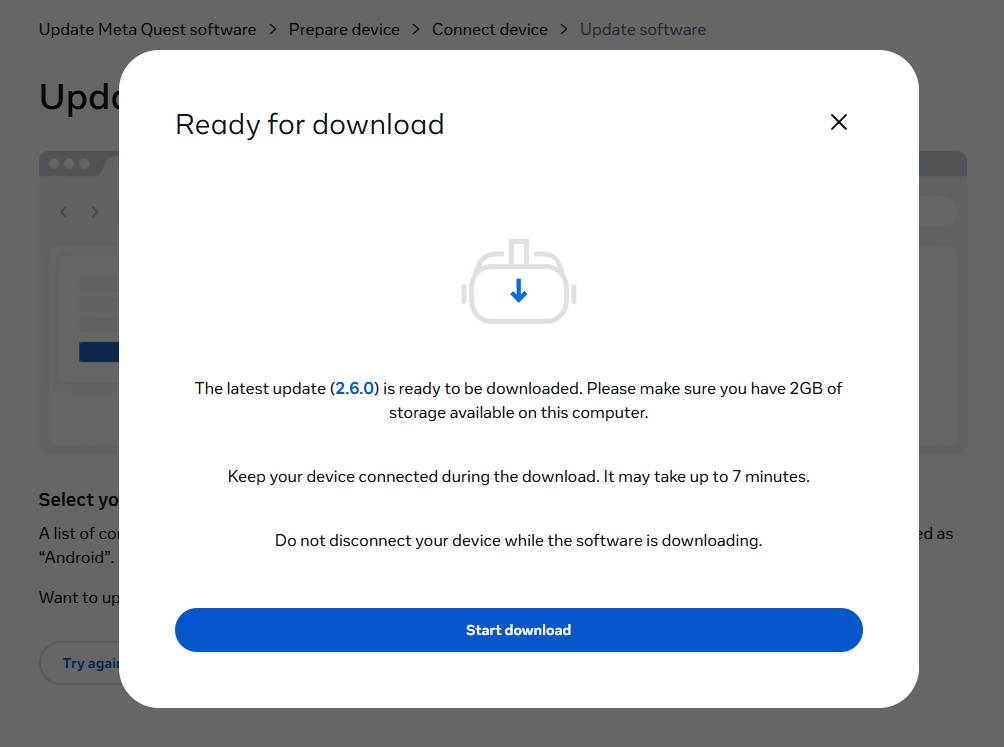
Ready for download

The latest update (2.6.0) is ready to be downloaded. Please make sure you have 2GB of storage available on this computer.
Keep your device connected during the download. It may take up to 7 minutes.
Do not disconnect your device while the software is downloading.
Start download
等类似字样
请点击Start download开始
然后等待完成
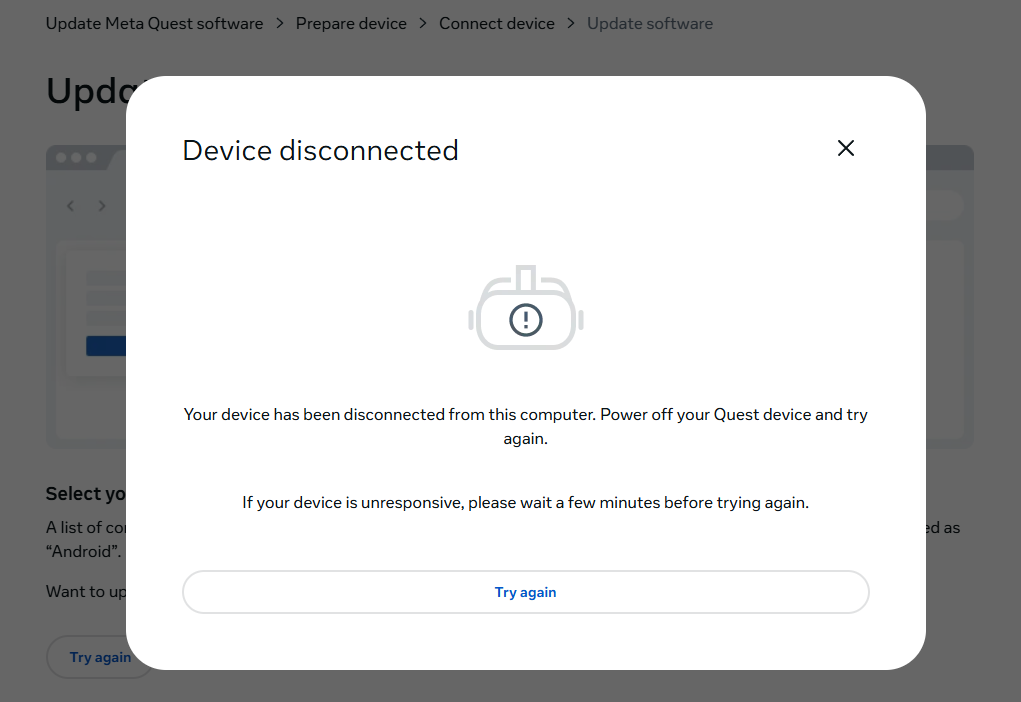
如果出现了下面的情况请重新让设备进入Sideload模式后再试
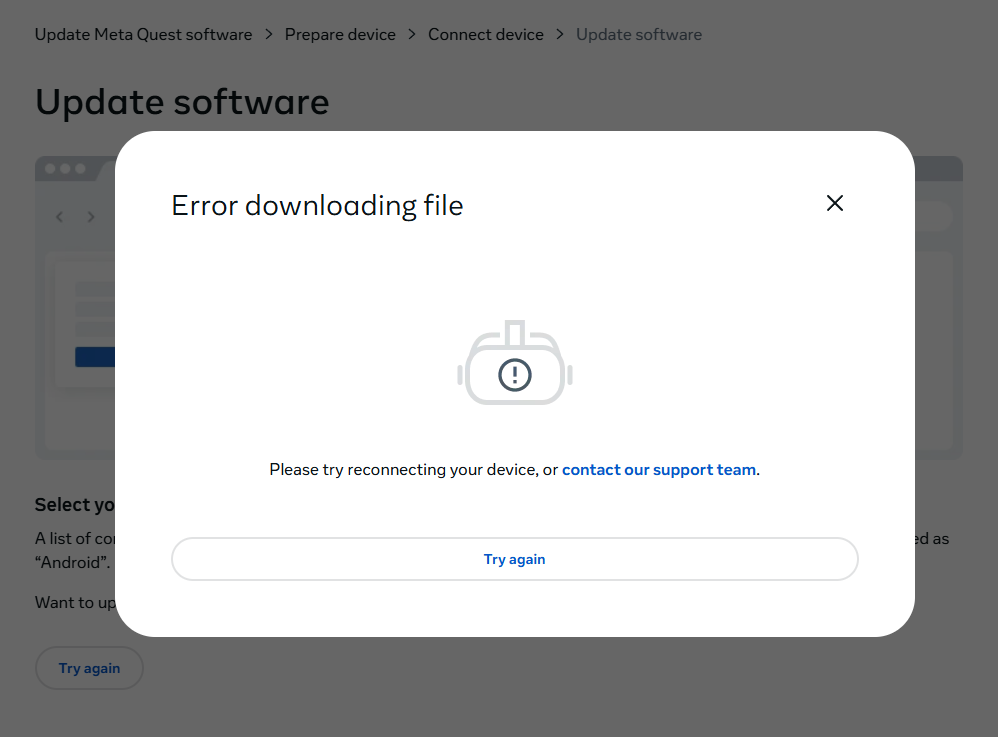
如果出现了下面的情况请检查网络和魔法是否都正常后再试
完成
不出意外的话应该提示升级成功了
等设备重启以后进系统即可